We’ve added a new way for creators to manage fulfillment in waves: you can now lock backer addresses by segment.
This update gives you more flexibility when shipping in batches—something many Kickstarter creators do to streamline production and fulfillment. It also means you no longer need to wait for every backer to complete their Pledge Manager responses before starting fulfillment. You can lock addresses for the groups that are ready and begin shipping while other backers continue completing surveys or managing their orders.
What’s new
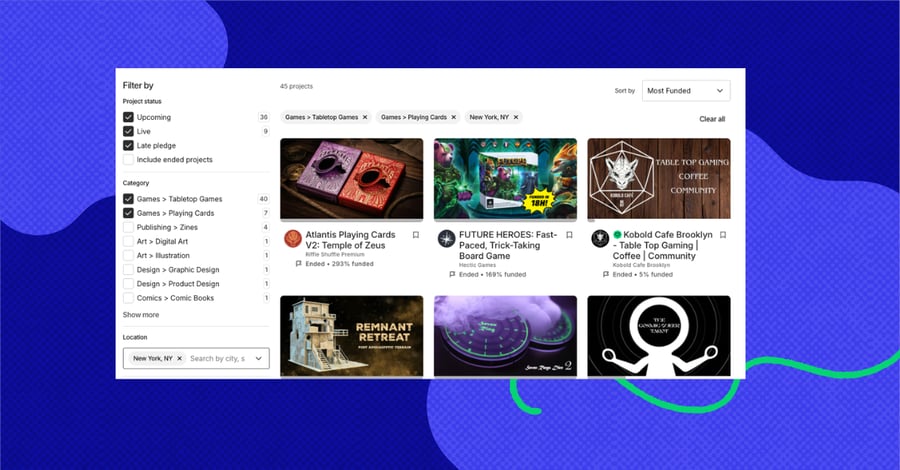
You can now create Segments of backers from filters in your Backer Report and schedule an address lock for just that group.
Once you schedule a segment-based address lock:
- Backers in that segment are notified and given 48 hours to update their shipping address
- During this window, their address will show as “pending” in the Backer Report
- After 48 hours, addresses in that segment are automatically locked
How it works
- Go to your Backer Report
- Create a Segment using filters
- Select “Schedule address lock” for that Segment
- Backers in that Segment are notified and enter the 48-hour update window
Once the window closes, those addresses are locked and ready for fulfillment.


Using with full-project address locks
You still have the option to lock all addresses at once from the Pledge Manager home page. You can also mix approaches—locking addresses for specific segments first, then locking the remaining backers later using the full-project address lock.
Relevant posts


.jpg?width=900&name=KPU-ProductMarketing-blog-2100x900%20(1).jpg)